

Microsoft for Developers
Get the latest information, insights, and news from Microsoft.
Featured posts

GitHub Copilot Dev Days: Build faster with GitHub Copilot CLI, in VS Code & Visual Studio, and beyond!

Modern software development is moving fast—and AI is now a practical part of how Microsoft developers design, build, and ship applications every day. From w...
Latest posts
Securing MCP: A Control Plane for Agent Tool Execution

The Model Context Protocol (MCP) is quickly becoming a common way for AI agents to discover and use tools. It provides a consistent interface to databases, APIs, file systems, and third-party services, which makes it easier to plug capabilities into agent workflows. However, MCP standardizes the execution surface without defining how that surface should be governed. Tool definitions are fed directly to the model, tool servers can be hosted by anyone, and there is no built-in point where policy is evaluated before a call is executed. To address that gap, we’ve been building a runtime governance layer for MCP...
Take your PostgreSQL-backed apps to the next level


PostgreSQL is a powerful and hugely popular database engine, and it really comes alive across Microsoft developer platforms. You can build with PostgreSQL across Azure offerings, develop productively in Visual Studio Code with strong extensions and tooling, and connect your data to agentic development workflows and AI services. There's amazing opportunity to bring those pieces together to modernize apps faster, migrate with confidence, and ship intelligent experiences on a proven database foundation. The challenge is that getting the most out of PostgreSQL across this full stack can be complex, especially when yo...
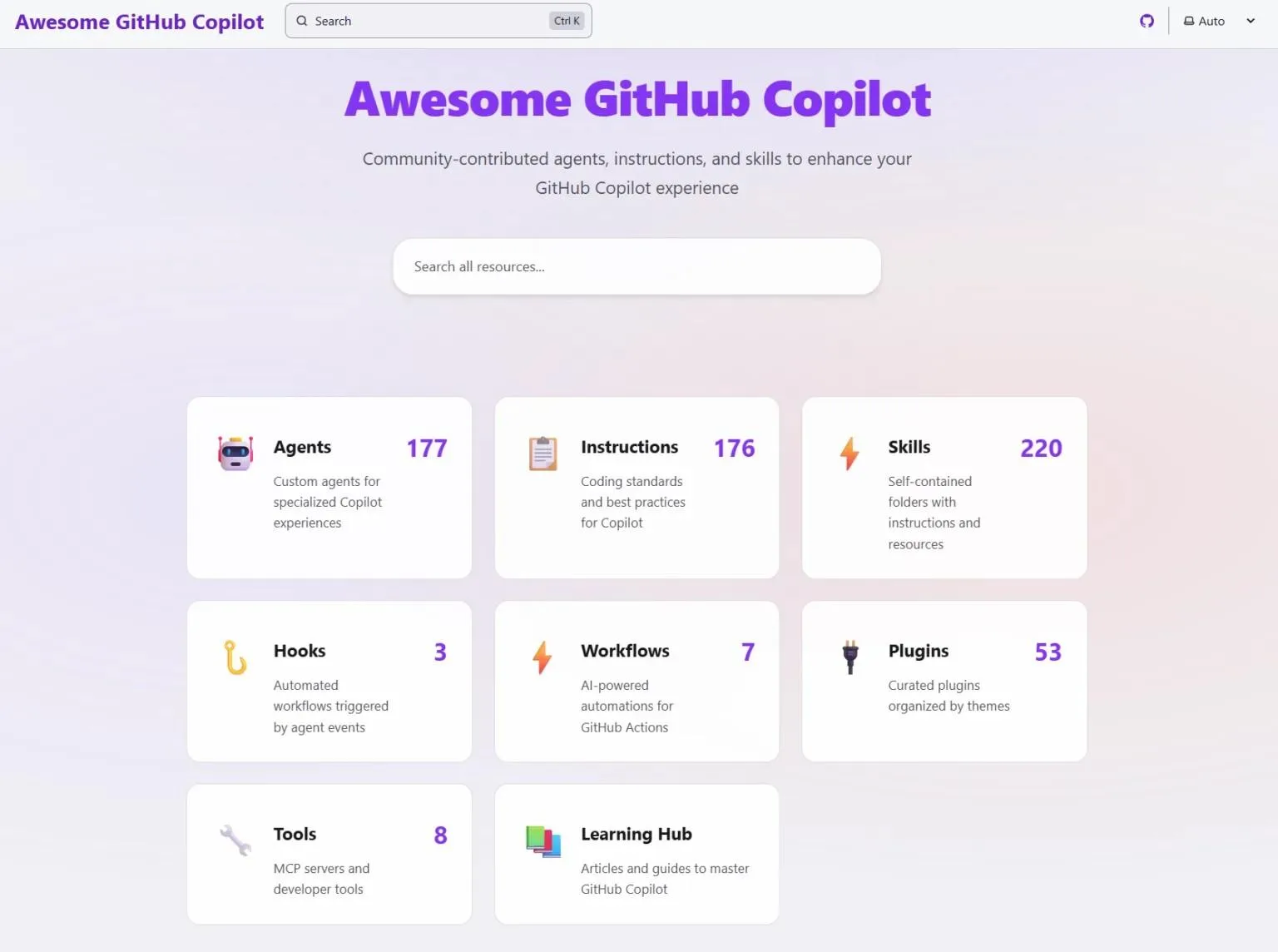
Awesome GitHub Copilot just got a website, and a learning hub, and plugins!

Back in July, we launched the Awesome GitHub Copilot Customizations repo with a simple goal: give the community a place to share custom instructions, prompts, and chat modes to customize the AI responses from GitHub Copilot. We were hoping for maybe one community contribution per week. That... did not happen. Instead, you all showed up. In a big way. The repo now has 175+ agents, 208+ skills, 176+ instructions, 48+ plugins, 7 agentic workflows, and 3 hooks - all contributed by the community. What started as a curated list has become something much bigger, and we needed to match that ...
Build a real-world example with Microsoft Agent Framework, Microsoft Foundry, MCP and Aspire

Building AI agents is getting easier. Deploying them as part of a real application, with multiple services, persistent state, and production infrastructure, is where things get complicated. Developers from the .NET community have requested whether a real-world example that shows running on local machine as well as on the cloud in a cloud-native way. We've heard you! We built an open-source Interview Coach sample to show how Microsoft Agent Framework, Microsoft Foundry, Model Context Protocol (MCP), and Aspire fit together in a production-style application. It's a working interview simulator where an AI coach w...
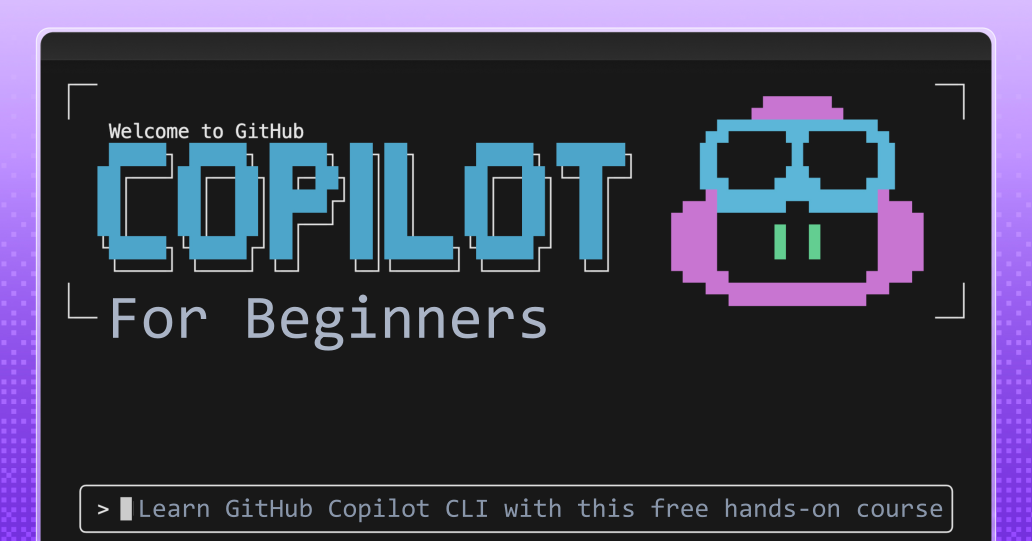
Get started with GitHub Copilot CLI: A free, hands-on course

Learn GitHub Copilot CLI with this free, 8-chapter hands-on course. Review code, generate tests, debug issues, and build custom agents and skills - all from your terminal. No AI experience needed. Works with GitHub Copilot Free. Clone the repo or open in Codespaces to get started.
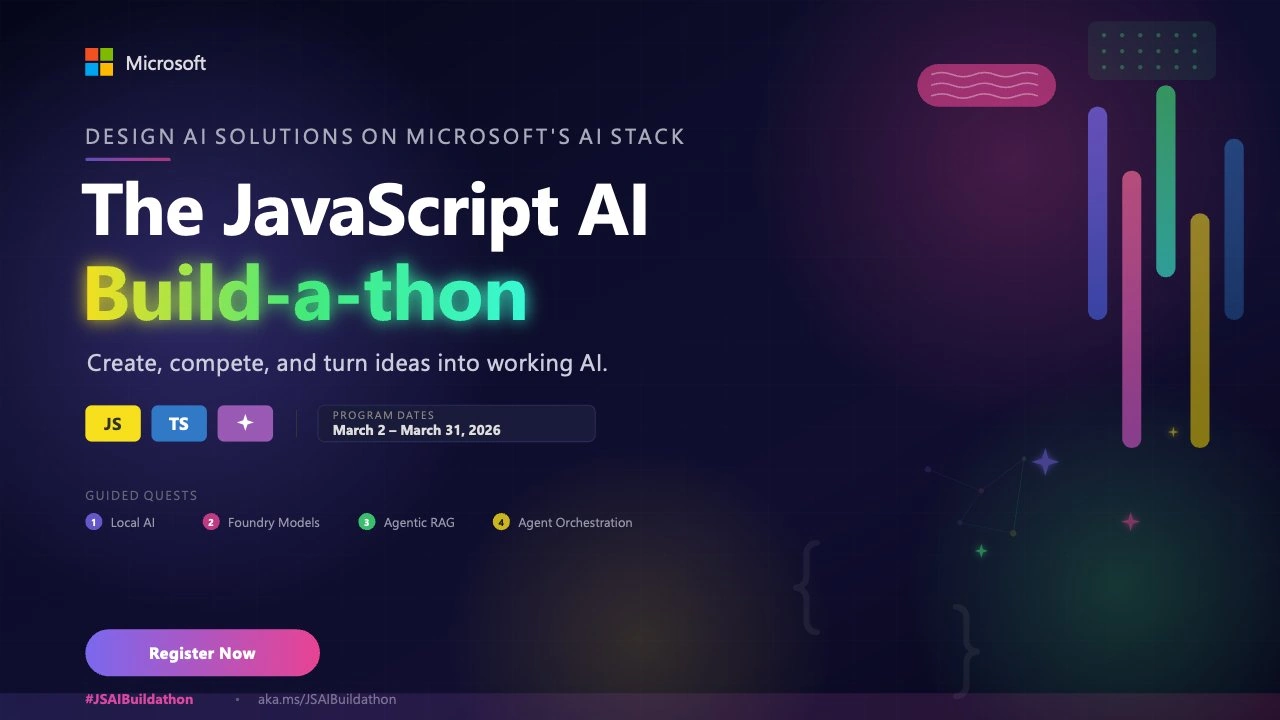
The JavaScript AI Build-a-thon Season 2 starts today!

The JavaScript AI Build‑a‑thon Season 2 starts today! Join a free, four‑week, hands‑on program—from Local AI and RAG pipelines to multi‑agent hackathon—designed specifically for JavaScript/TypeScript developers.
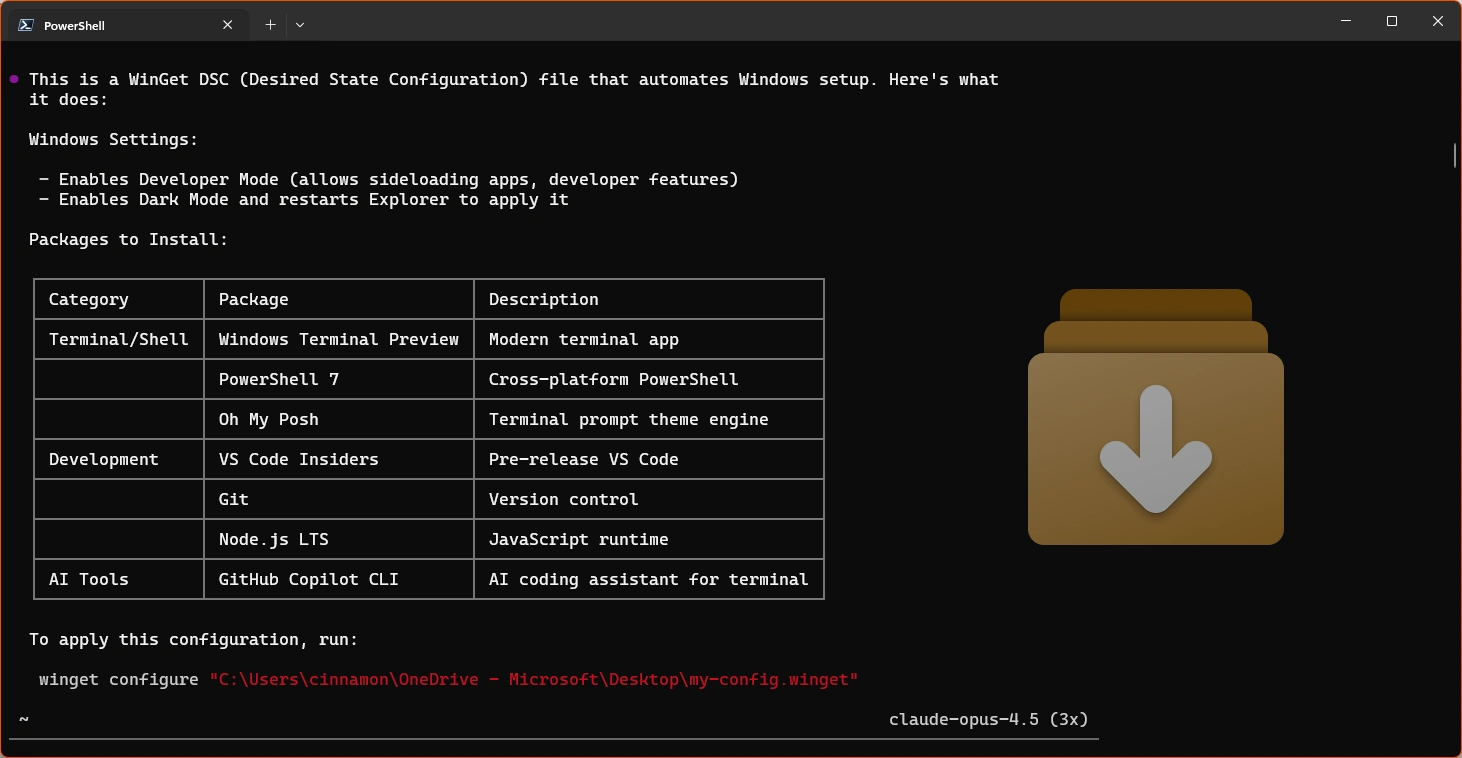
WinGet Configuration: Set up your dev machine in one command

I've set up a lot of dev machines in my life. Traditionally, this takes a lot of time to get everything just right, but now there's a faster way with WinGet Configuration files. Let me show you how to go from a fresh Windows install to a fully configured dev environment with a single command and how GitHub Copilot CLI can help you build these configs. What is WinGet Configuration? WinGet Configuration lets you describe your ideal dev environment in a YAML file, then apply it with one command. Instead of running a bunch of commands manually, you declare what you want and let WinGet do the rest. Getting sta...
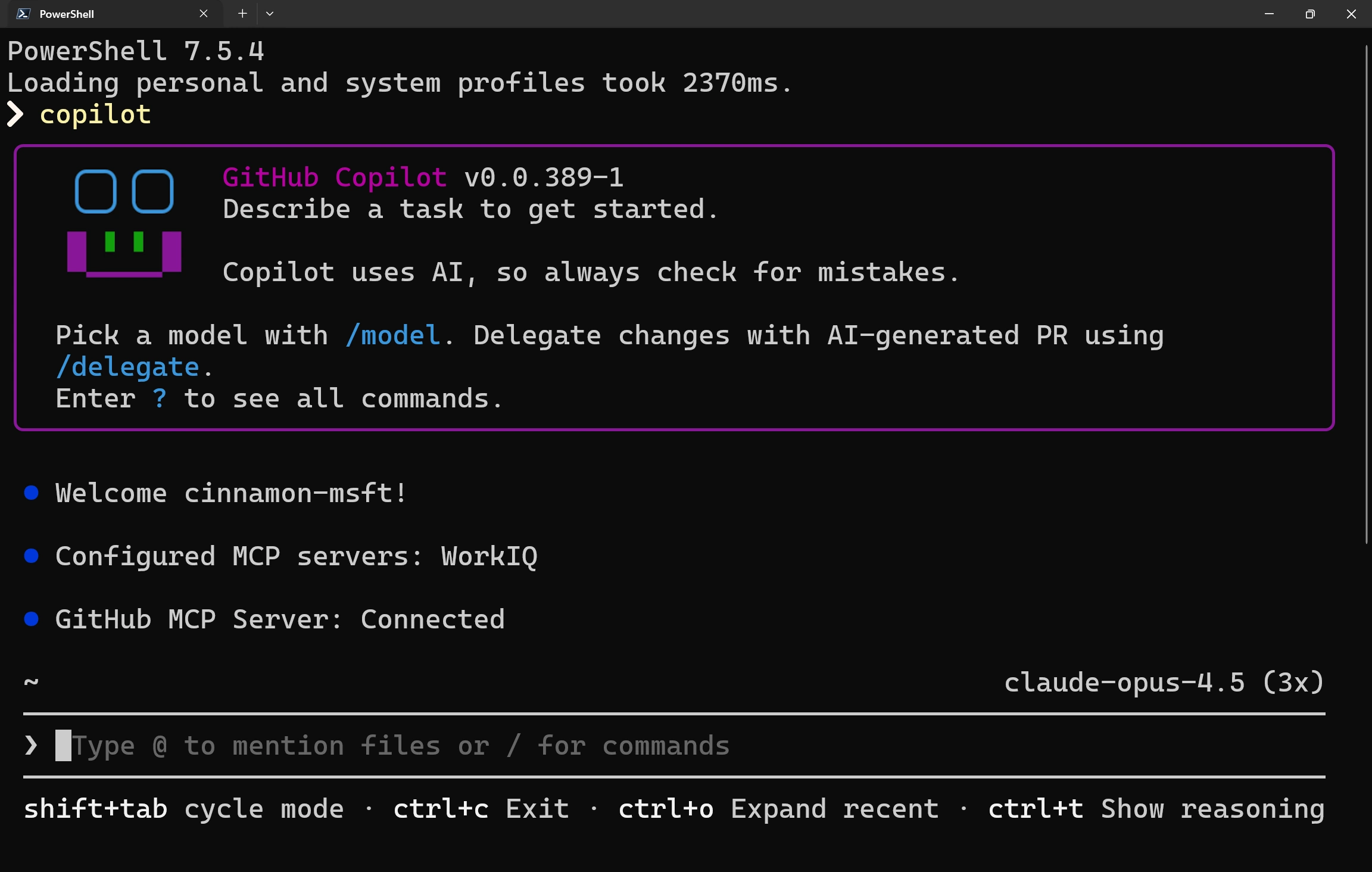
Bringing work context to your code in GitHub Copilot
This week we shipped the GitHub Copilot SDK which takes the agent loop from the Copilot CLI and makes it easy to embed in other applications. We’ve been using, improving, and extending Copilot CLI for the last few months and it’s sparked new ideas about what it means to have the right context right where we work. As developers, we spend most of our time in the terminal and our IDEs, and on most days, writing code isn’t the hard part. The hard part is everything around it: figuring out why something was built a certain way, tracking down a spec that defined a requirement, remembering which meeting introduced a ...
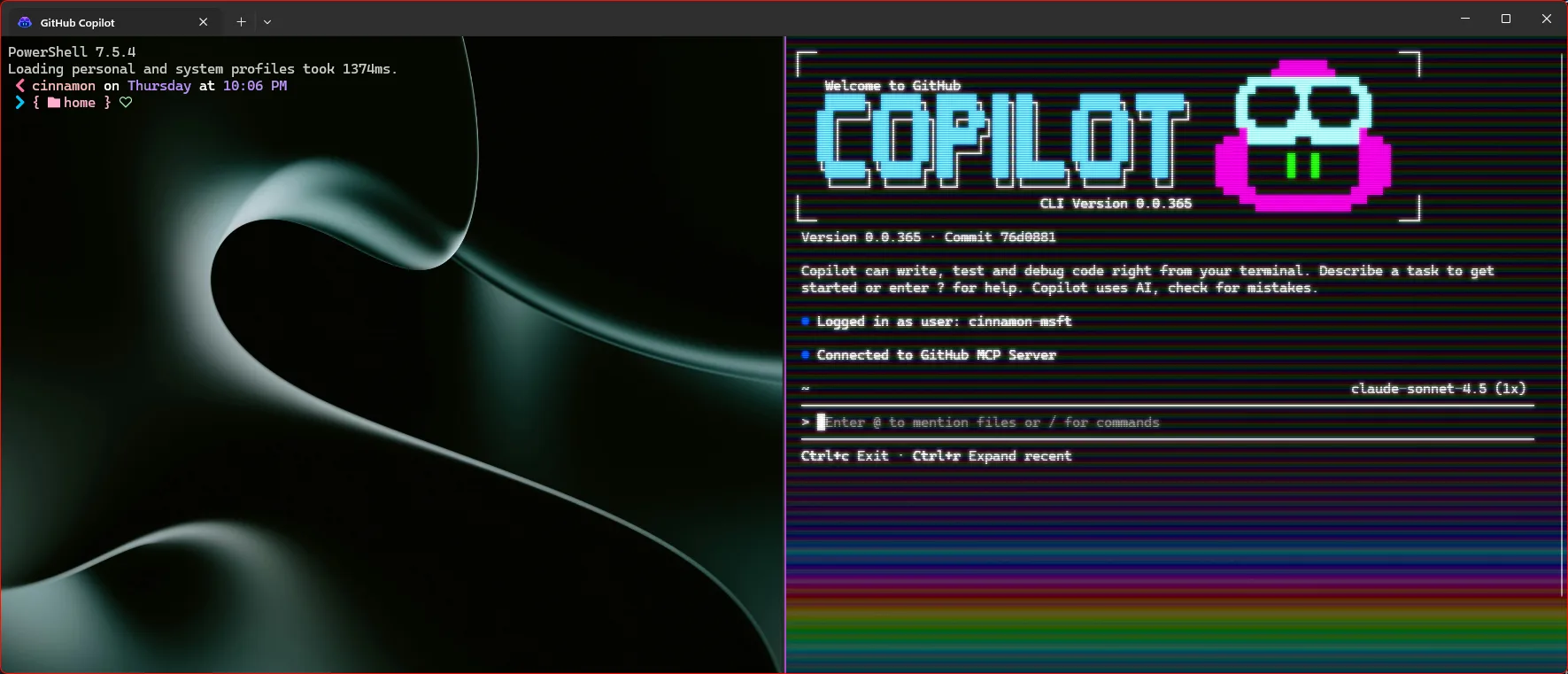
Making Windows Terminal awesome with GitHub Copilot CLI
As someone who lives and breathes in the command line, I love making my terminal feel like home. Windows Terminal is full of personalization options that really allow for a custom experience. Additionally, I can stay within my terminal for my development with GitHub Copilot with the GitHub Copilot CLI. Let's walk through how you can trick out your terminal with some of my favorite customizations and optimize it for using GitHub Copilot CLI. What is GitHub Copilot CLI? GitHub Copilot CLI gives you the power of GitHub Copilot directly in your terminal, without having to use an IDE. I use it all the time when ...
