

 Formed in 2009, the Archive Team (not to be confused with the archive.org Archive-It Team) is a rogue archivist collective dedicated to saving copies of rapidly dying or deleted websites for the sake of history and digital heritage. The group is 100% composed of volunteers and interested parties, and has expanded into a large amount of related projects for saving online and digital history.

Note: Updated permissions won't take effect on an installation until the owner of the account or organization approves the changes. You can use the InstallationEvent webhook to find out when people accept new permissions for your app. One exception is user-level permissions, which don't require the account owner to approve permission changes.
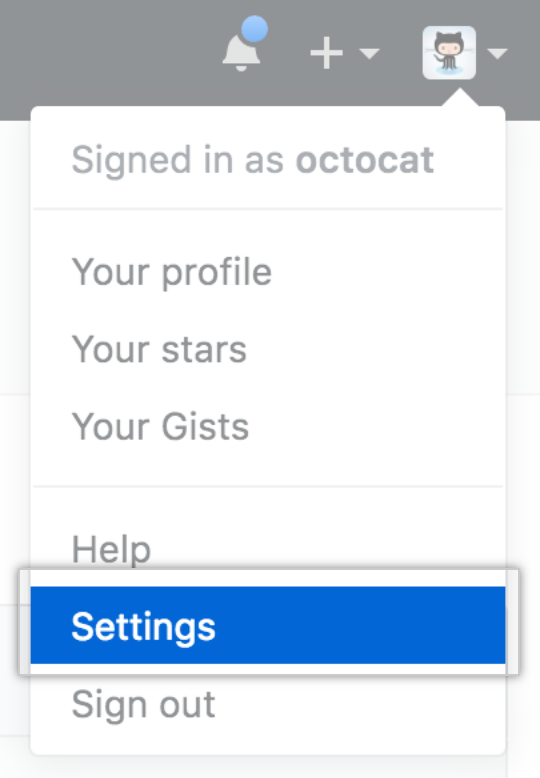
- En la esquina superior derecha de cualquier página, da clic en tu foto de perfil y después da clic en Configuración.
- En la barra lateral izquierda, haz clic en Developer settings (Parámetros del desarrollador).

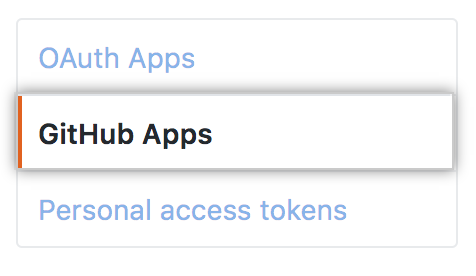
- En la barra lateral izquierda, da clic en GitHub Apps.
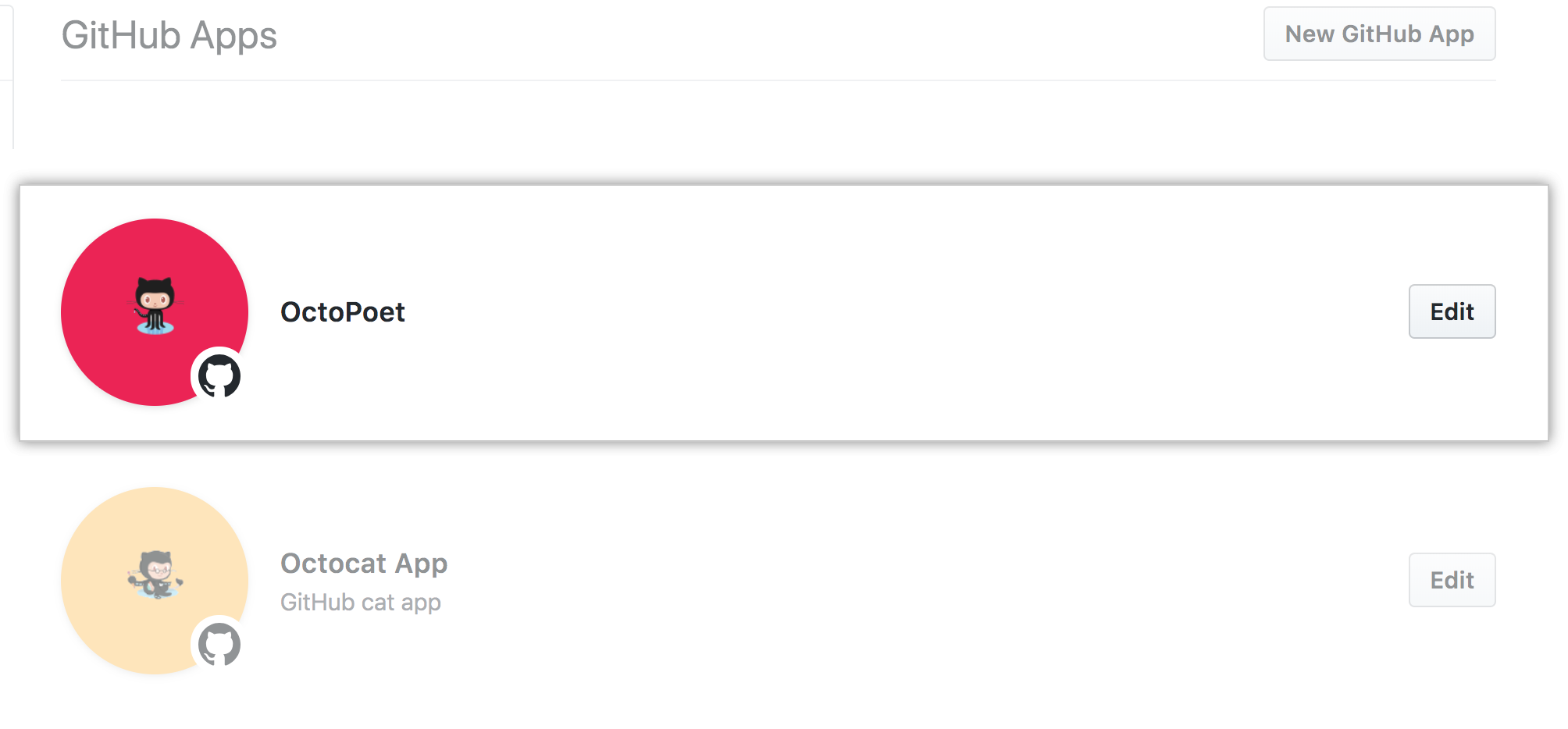
- Select the GitHub App whose permissions you want to change.
- In the left sidebar, click Permissions & webhooks.

- Modify the permissions you'd like to change. For each type of permission, select either "Read-only", "Read & write", or "No access" from the dropdown.

- In "Subscribe to events", select any events to which you'd like to subscribe your app.

- Optionally, in "Add a note to users", add a note telling your users why you are changing the permissions that your GitHub App requests.

- Click Save changes.

